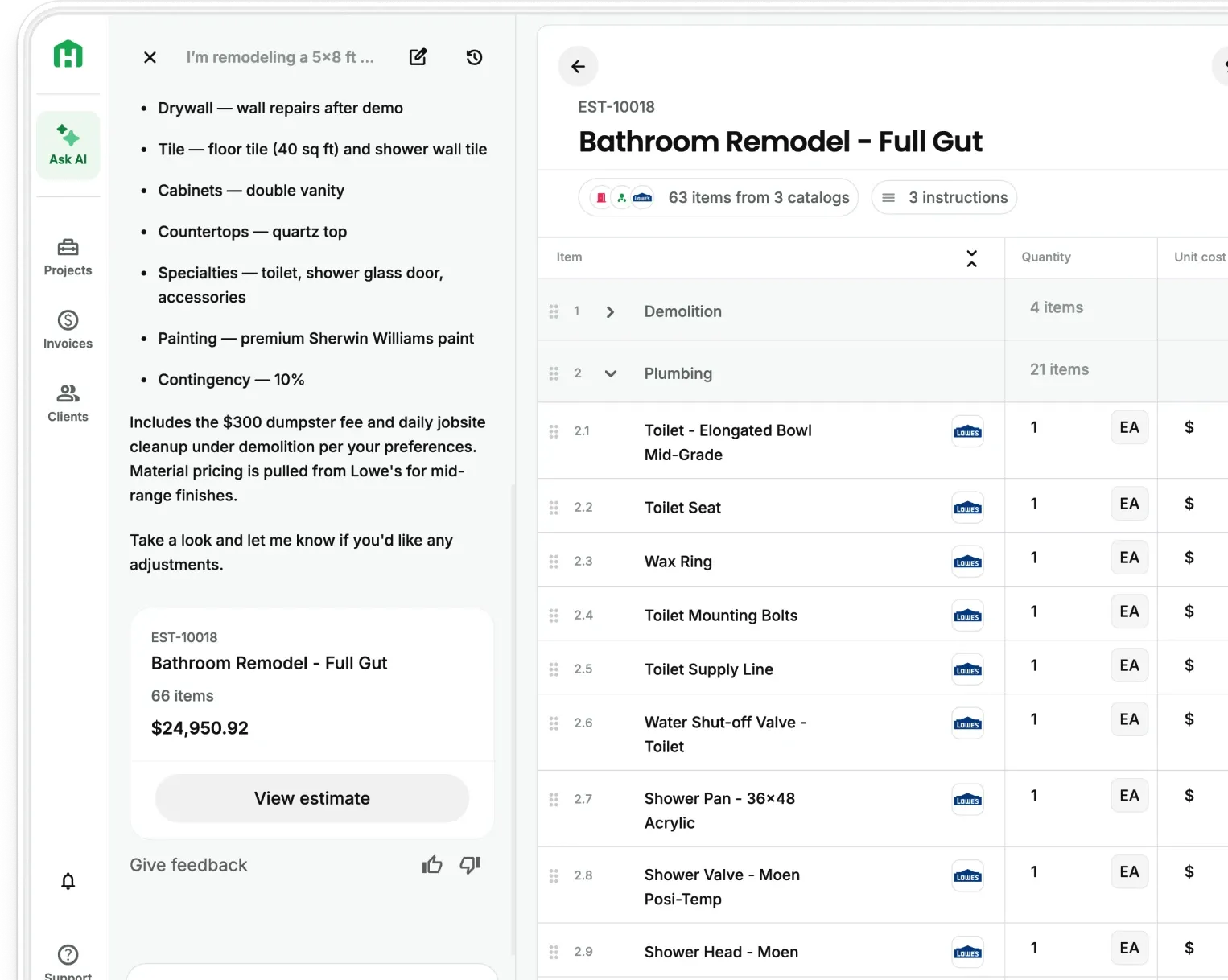

Handoff Integrations
Connect the Tools You Already Use to Handoff
Bring schedules, room measurements, and accounting information into the same project workflow without entering everything twice.







Stop rebuilding the same project in every app
You build the estimate in one place, check material prices somewhere else, send dates through a calendar, and recreate the financial details in your accounting software.
Every extra entry takes time and creates another place for the project to fall out of date.
Handoff connects the tools your business already relies on so the information from one step is ready for the next. Your AI Teammate works from the same project details instead of asking you to copy them over again.

Enter project information once
Bring schedules, measurements, and financial details into Handoff without recreating them by hand.

Start with better information
Use real room measurements to give each estimate a more reliable starting point.

Reduce missed updates
Keep the people and tools involved in the project working from the latest information.
Accounting
Keep Handoff and QuickBooks
Online in Sync
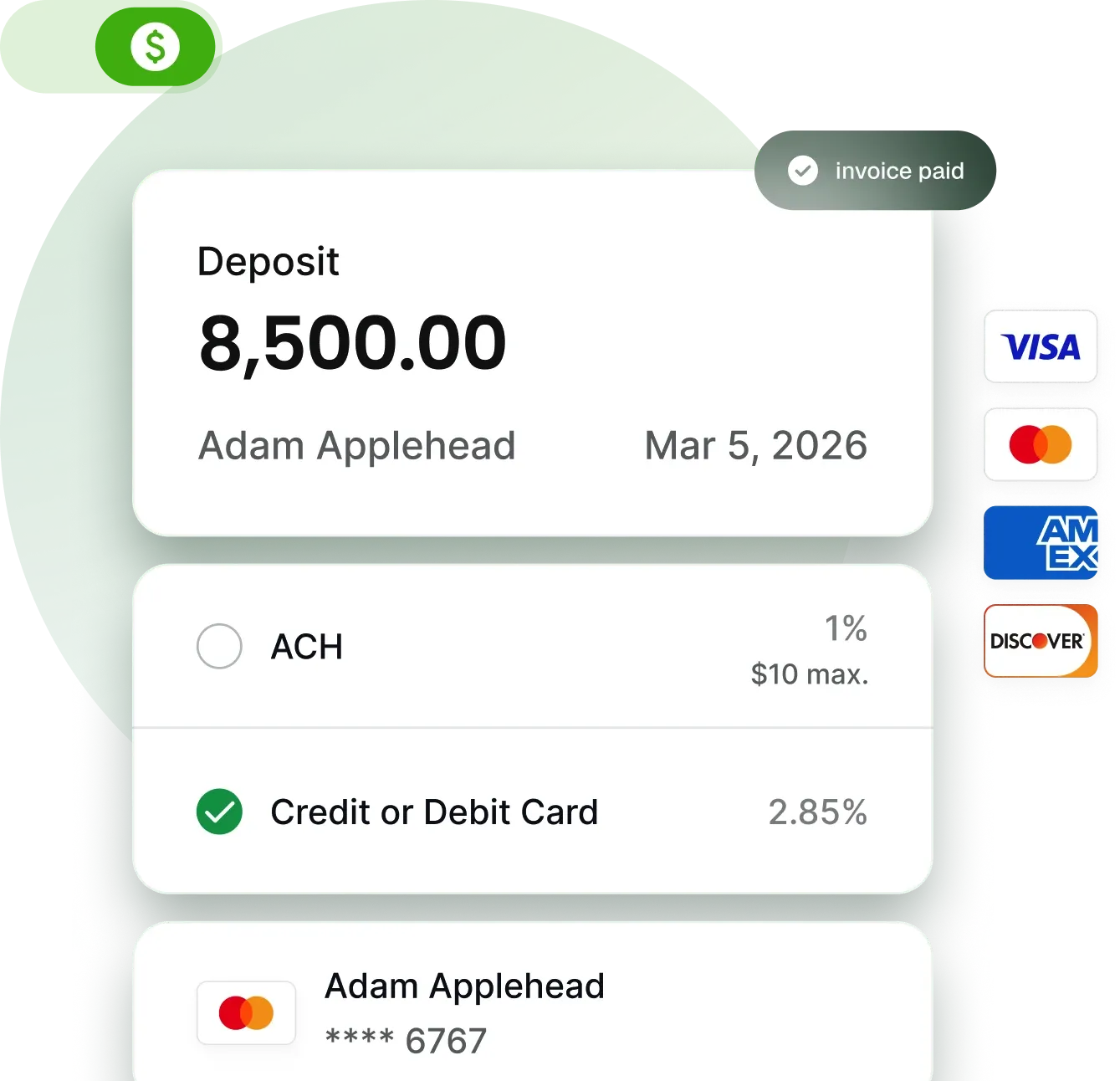
Sync estimates, invoices, and payments between Handoff and QuickBooks Online.
Manage the project in Handoff while your accounting records stay current in QuickBooks. You spend less time recreating transactions and have a clearer view of what has been billed and paid.
Scheduling
Update the Project Schedule Once
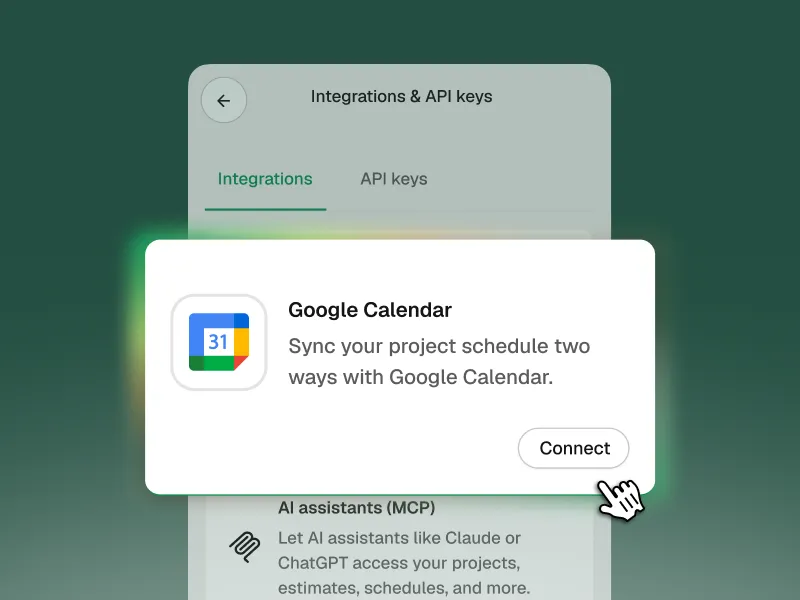
Connect Handoff to Google Calendar and sync schedule changes in both directions.
Project phases appear as calendar events with the dates, address, and project details attached. Move a synced event in Google Calendar and the updated date returns to Handoff.
Assign a subcontractor or client to a phase and they receive a standard calendar invitation. They do not need a Handoff account. Your AI Teammate also checks your calendar when you ask about availability or conflicts.
Available on Handoff Pro and Scale.
Floor Plans and Measurements
Scan the Room and Start With
Real Measurements
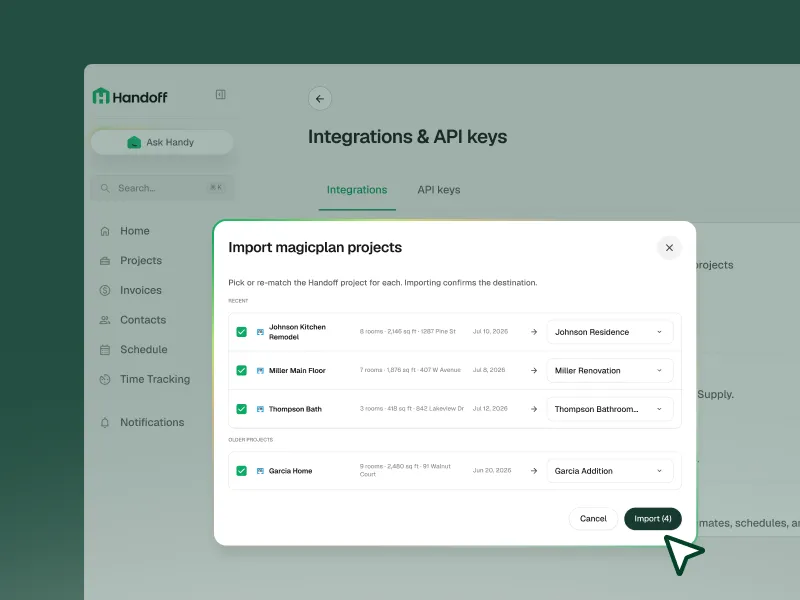
Connect MagicPlan and send floor plans directly into the corresponding Handoff project.
Each room arrives with its square footage, ceiling height, perimeter, wall dimensions, and window and door counts attached. The plan stays in the project Documents, ready to reference while building the estimate.
Available on Handoff Pro and Scale.
Workflow Automation
Connect Handoff to 9,000+
Apps With Zapier
A lead comes through your website. An estimate gets approved. An invoice gets paid. Zapier sends that information to the next tool in your workflow without waiting for someone to update it by hand.
Handoff receives information from other apps and sends project updates back out, giving your business more flexibility without requiring custom development.
All Handoff Integrations
QuickBooks Online
Sync estimates, invoices, and payments with your accounting records.
Google Calendar
Sync project schedules and send invitations to subcontractors and clients.
MagicPlan
Bring floor plans and structured room measurements into Handoff.
Zapier
Build automated workflows between Handoff and thousands of other apps.
Developer Connections
Bring AI Takeoffs Into Your Own Product
The Handoff-H1 Takeoff API turns residential construction plans into structured takeoff data.
Upload plans, receive detailed quantities, and map the results to your own catalog or ERP. White-label support puts the takeoff experience inside your product and under your brand.

Connect Handoff to Compatible AI Tools
Handoff’s MCP connection gives compatible AI tools access to approved project context.
Your team works with the information already organized in Handoff instead of pasting the same project details into every new conversation.
Set Up Your Handoff Integrations
Find available connections under Settings → Integrations and API Keys.
Choose the tools your business uses and follow the setup steps for each account.
Spend Less Time Updating Software by Hand
Connect the tools behind your business and give every project a better starting point.