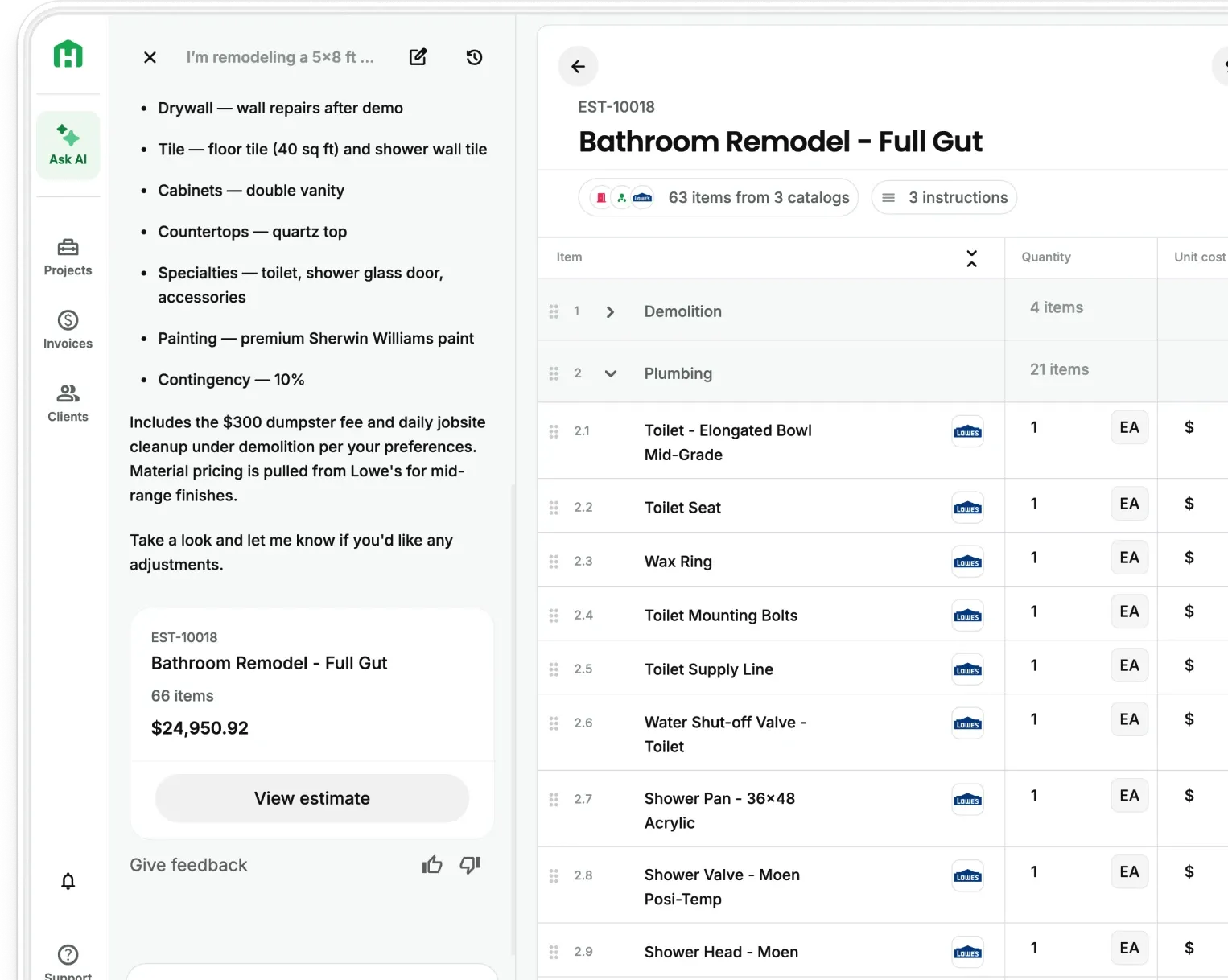
If you've ever had to piece together what happened on site from texts, photos buried in your camera roll, and a rough memory of the week, you know the problem.
Most contractors don't have a bad documentation habit. They just don't have a good system. Updates live in group chats. Photos are scattered. And when a client asks why something took longer, or a sub doesn't show up and the schedule slips, there's no clean record to point to.
That changes today.
Introducing: AI Daily Logs
AI Daily Logs let you record what actually happened on-site, day by day, in one place. Create a log, add notes, attach photos or video, and move on. It takes minutes. Over time, you build a running history of your project that you can actually use.
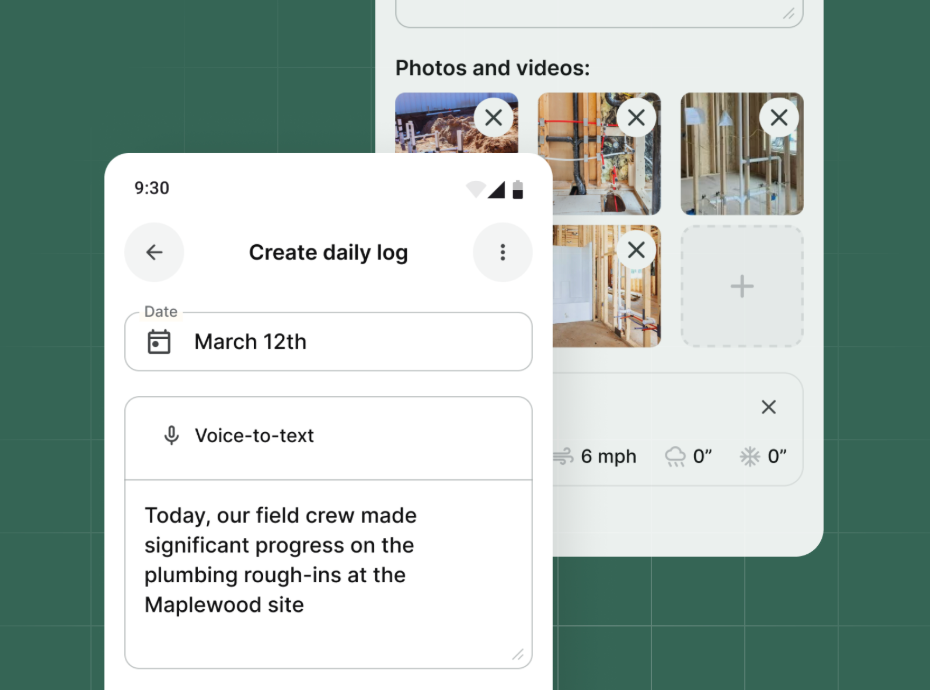
Here's what you can capture in each log:
- Notes — text or voice, in any language
- Photos and video — document progress, issues, or finished work
- Walkthrough mode — move through the job site and capture context as you go
Weather is pulled automatically for your project location each day, so you don't have to track it yourself. If conditions affected your crew's output or caused a delay, it's already documented.

Logs you can actually use
Logs are organized by date, so reviewing a project timeline is straightforward. When a client asks what happened in week three, you don't have to guess — you have it.
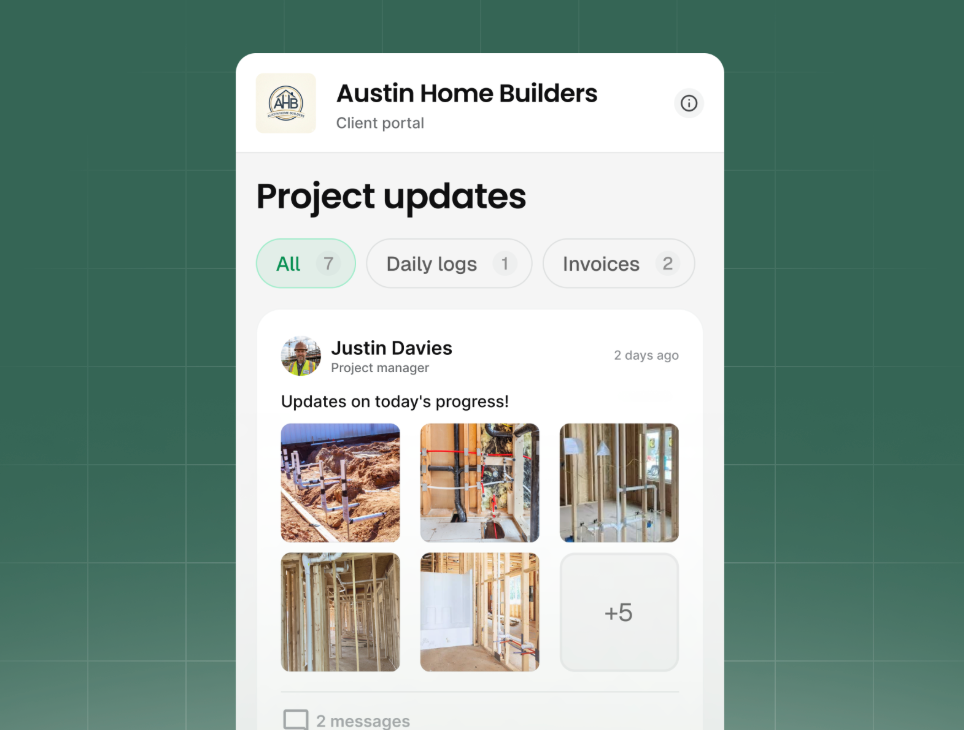
You can also share logs directly with clients via email, link, or text. Once shared, they're locked. No editing after the fact. That gives you a clean, credible record your client can see.
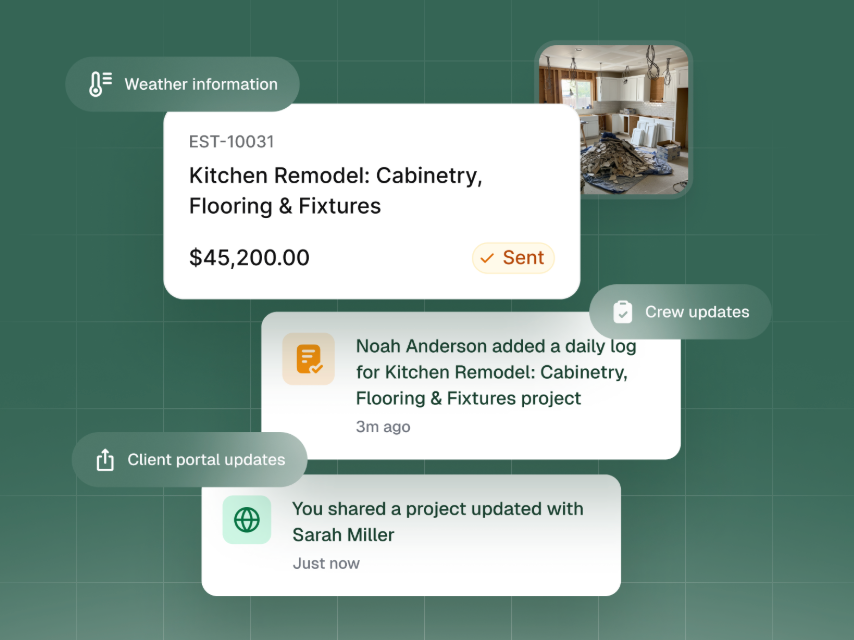
How AI Daily Logs help your team
Most contractors manage five things at once on any given day. Important details get lost — not because anyone dropped the ball, but because nothing was set up to catch them. AI Daily Logs give you that system without adding much to your plate.
A few minutes a day builds a full project record. That record protects you, keeps clients informed, and makes it easier to manage what comes next.
Try AI Daily Logs on your next active project
AI Daily Logs are available now for all Pro plans and in all trials. Open any project in Handoff, create your first log, and see how it fits into your routine.
Frequently Asked Questions (FAQ)
What are AI Daily Logs for contractors? AI Daily Logs are digital construction daily logs that help contractors document what happened on-site each day in one place. They can include notes, voice entries, photos, video, walkthroughs, and automatic weather tracking.
Why are daily logs important in construction? Daily logs help contractors keep a clear record of jobsite progress, delays, site conditions, and completed work. That makes it easier to protect the business, answer client questions, and track what actually happened on a project.
How do AI Daily Logs improve construction project documentation? AI Daily Logs organize project updates by date, so contractors can review a full job timeline without digging through texts, photos, or memory. This makes construction documentation faster, clearer, and easier to use.
Can contractors add photos, video, and voice notes to daily logs? Yes. Contractors can add photos, videos, and voice notes to each daily log, making it easier to capture progress, issues, and context while walking the site.
Do AI Daily Logs track weather automatically? Yes. AI Daily Logs automatically pull weather for the project location each day, helping contractors document site conditions that may affect schedules, productivity, or delays.
Can contractors share daily logs with clients? Yes. Daily logs can be shared with clients by email, text, or link. Once shared, they’re locked, which creates a clean, credible record of project activity and communication.