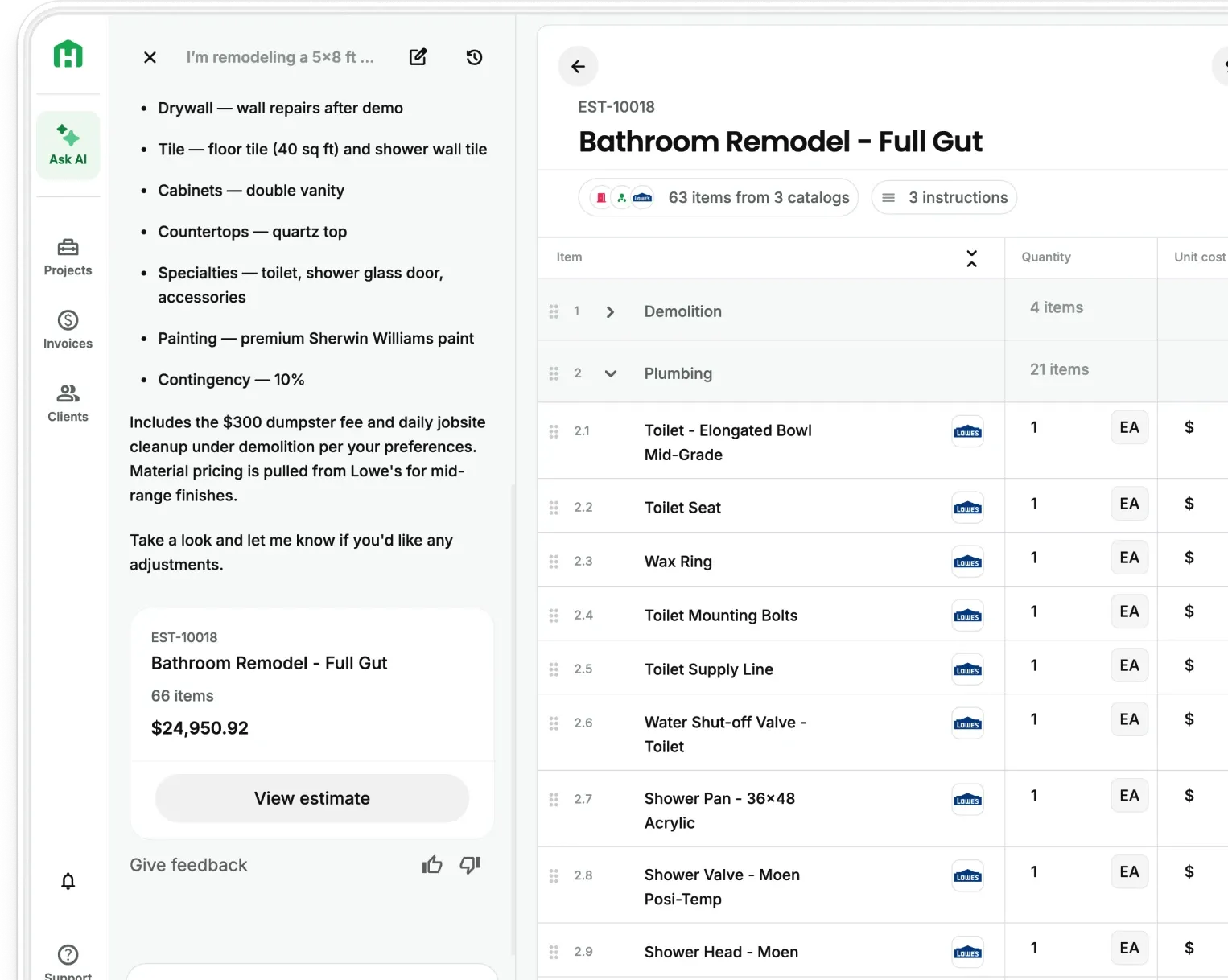
Every job starts with a conversation, on a walk-through, in the truck, or during a call with your crew.
But turning what you said into something you can send still takes hours. You scribble down notes. You retype them at night. You hope you remembered everything. You spend more time writing about the job than doing it.
Now, you don’t have to.
With Handoff’s new Audio-to-Docs feature, contractors can record meetings, walkthroughs, or voice notes, and instantly turn them into clear, accurate project documents. No retyping. No formatting. Just talk, and let Handoff handle the rest.
Built to Eliminate Double Entry and Admin Burnout
You already explained it once.
Why explain it again, to your crew, your client, your notes app, and then your estimating tool?
Whether you’re:
- Taking mental notes during a walkthrough
- Texting crews the same info every morning
- Rewriting your day into a daily log at 9PM
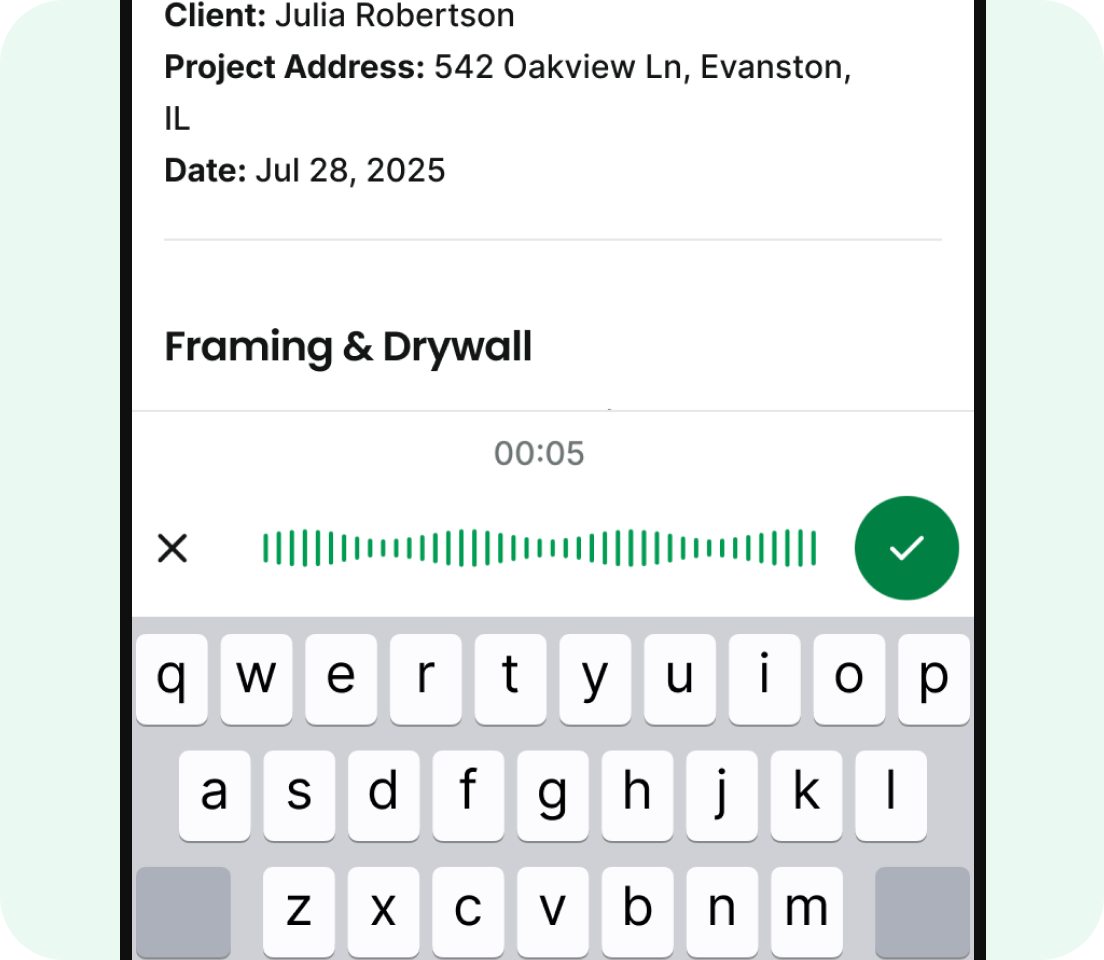
Handoff cuts out the repetition. Just hit record, and get a finished document from your voice.
From a Single Recording, You Can Create:
Audio-to-Docs Transcription
Speak once, Handoff transcribes and formats your words into a document, so you never retype the same thing twice.
Walkthrough & Meeting Capture
After a site visit or client call, you can create scopes, daily logs, or estimates directly from what you said—no more memory gaps or lost details.
Crew Instructions
While you’re on the road, record a voice note with what needs to happen next. Handoff turns it into a checklist or work order your team can use right away.
Daily Logs via Voice
Instead of chasing photos or writing summaries at the end of the day, narrate what happened while you’re still on-site, and let Handoff build the log for you.
Two Real Workflows Contractors Are Already Using
From Walkthrough to Scope
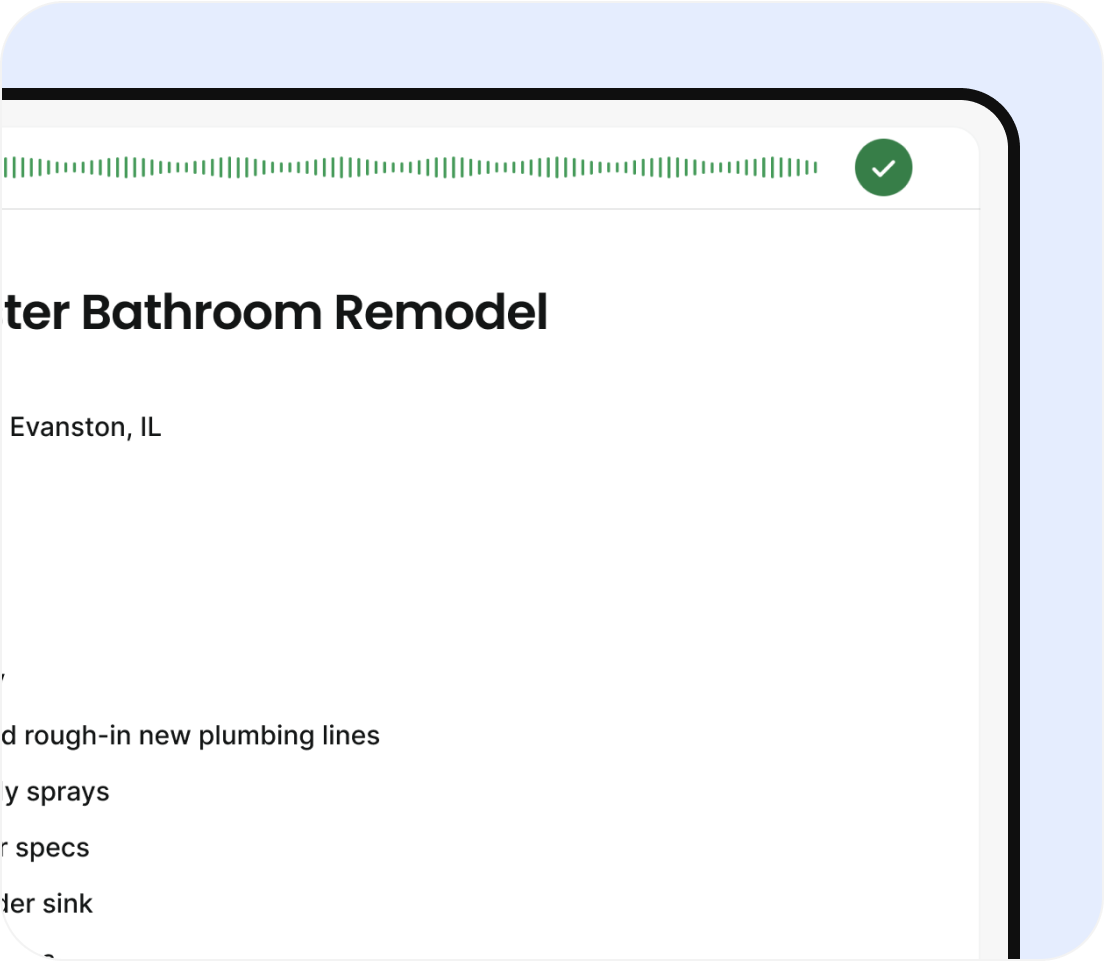
After a meeting, open the Handoff app and hit record. Talk through what was discussed, what the job will require, or what the next steps are. Within minutes, AI generates a shareable scope of work, no typing needed.
From Truck to Crew
Record a voice note with step-by-step crew instructions. Handoff instantly formats it into a checklist you can text. Everyone’s on the same page before the tools even come out.
How It Works in Handoff
- Open your project and go to the Documents tab
- Tap Create with AI → Transcribe Audio
- Record what you want to capture—walkthrough notes, client instructions, jobsite updates
- Select what type of document to generate (scope, checklist, daily log, etc.)
- Review and edit as needed
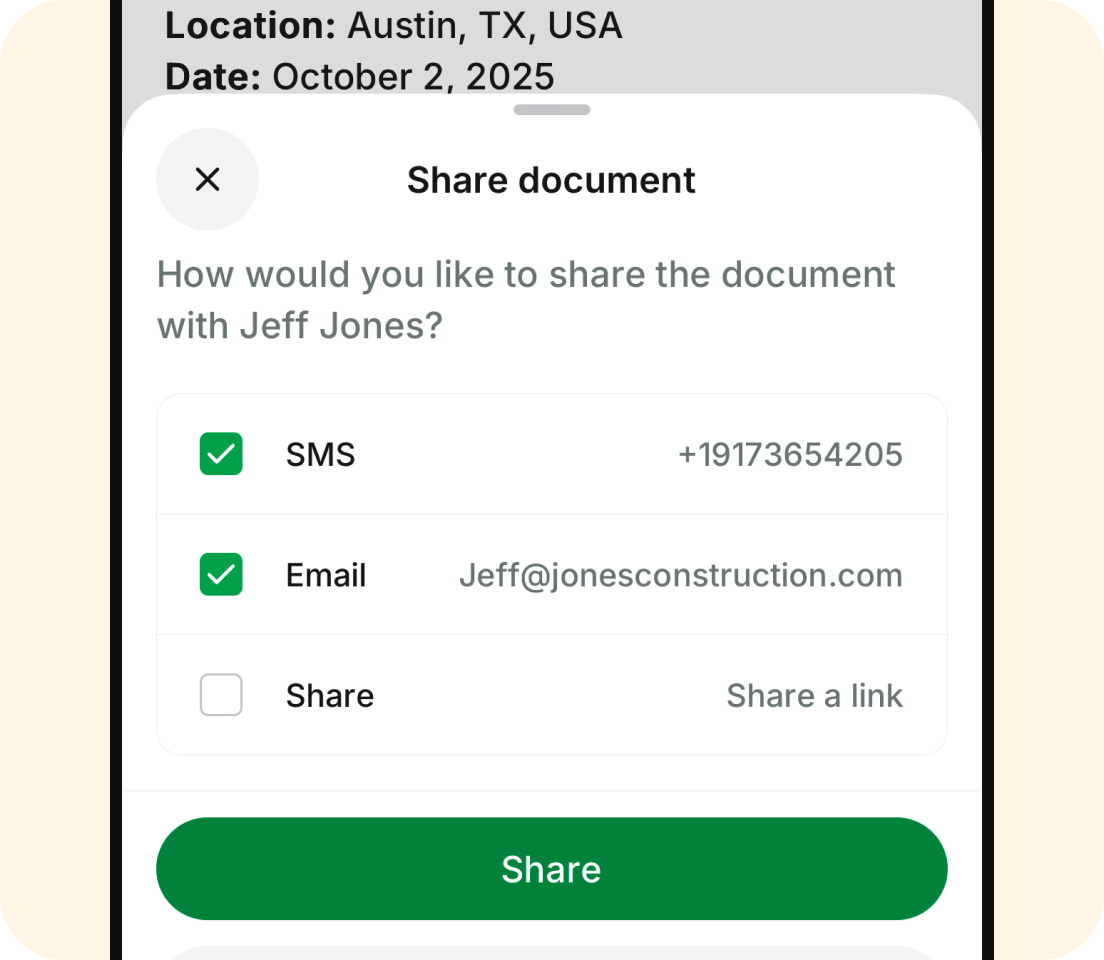
- Share instantly via text, email, or download as a PDF
It’s the fastest way to turn your voice into a clear, professional document.
Why Remodelers Are Ditching Notes for Voice
You’re already talking through the job. Now Handoff lets you turn that voice into action.
This feature helps contractors:
- Save hours retyping meeting notes or crew instructions
- Reduce errors from forgotten walkthrough details
- Stay organized without stopping to write things down
- Deliver faster, more accurate documents across every stage of the project
You don’t need to type faster. You just need a better way to use what you already said.
Available Now
AI Transcription is now live for all plans and included in all active trials.
👉 Log in now to turn your voice into your next document
Need help? Message us in-app or email hello@handoff.ai
Frequently Asked Questions (FAQ)
What is Audio-to-Docs in Handoff?
Audio-to-Docs is a feature that lets contractors record voice notes, walkthroughs, or meetings and turn them into structured project documents automatically. Instead of writing everything down later, you can speak once and generate a ready-to-share document in seconds.
How does Audio-to-Docs help contractors save time?
It removes the need to retype notes, rewrite scopes, or summarize conversations at the end of the day. Since Handoff turns your voice into documents instantly, you spend less time on admin and more time running the job.
What types of documents can I create from audio recordings?
You can generate scopes of work, daily logs, checklists, crew instructions, and client updates directly from a recording. Handoff formats everything based on what you say and the type of document you choose.
Can I use Audio-to-Docs during walkthroughs or jobsite visits?
Yes. You can record while walking the site or right after a meeting, and Handoff will turn that recording into structured notes, scopes, or logs. This helps capture details in the moment instead of relying on memory later.
How accurate is Audio-to-Docs transcription?
Handoff is designed to capture and structure what you say clearly, but you can always review and edit the document before sharing. It gives you a strong first version so you’re not starting from scratch.
Why are contractors switching from notes to voice recording?
Because it’s faster and more reliable. Contractors are already talking through jobs during walkthroughs and calls. Audio-to-Docs turns that natural workflow into usable documents, reducing missed details and eliminating repetitive admin work.