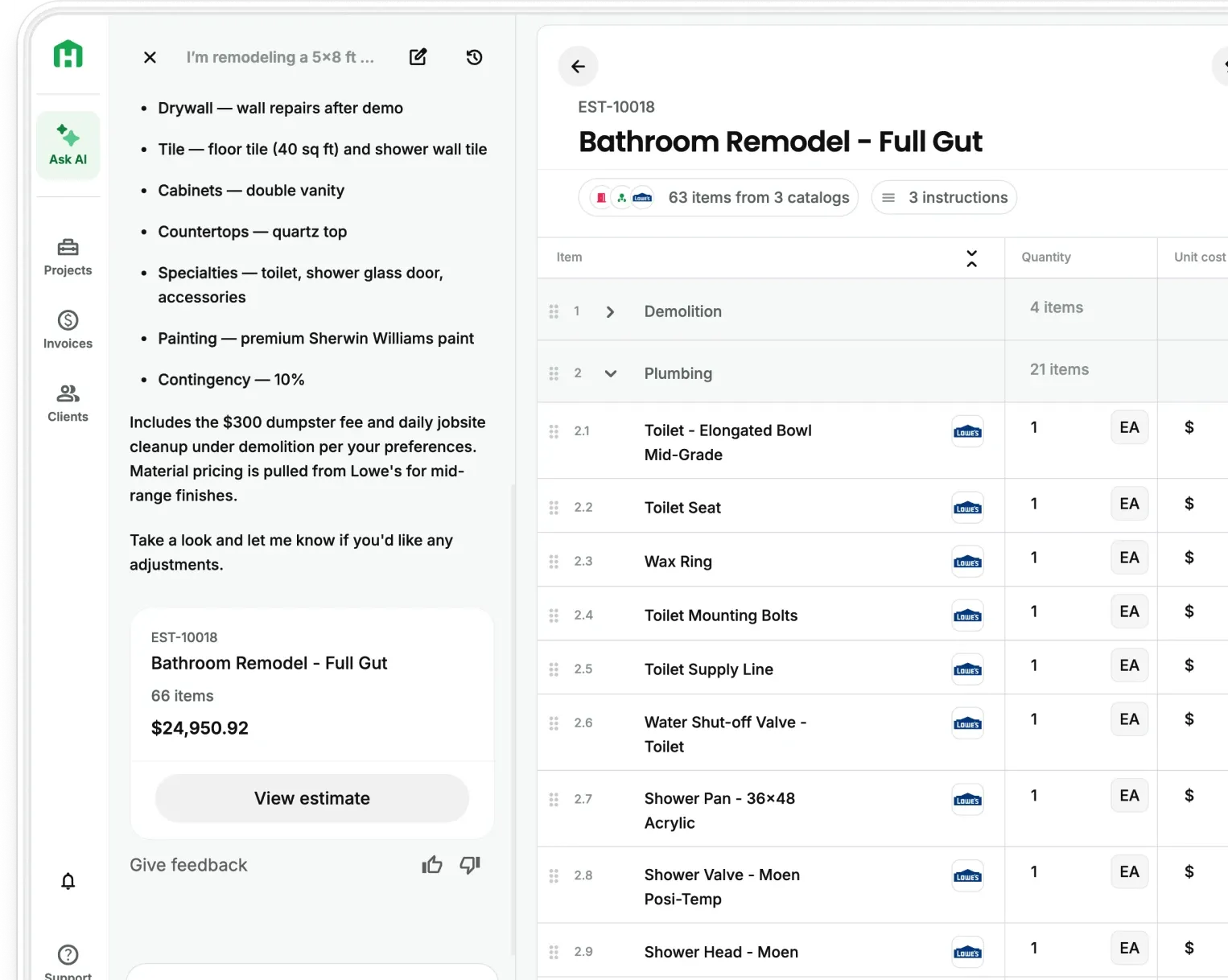
Handoff now integrates with 9,000+ apps through Zapier. A lead comes in from your website and your AI Teammate creates the project in Handoff before you pick up the phone. An estimate gets approved and the details move to your next tool without you touching it. You set up the workflow once. It runs on its own after that.
If you're not on the Pro plan, you’re only making your job harder and more manual.
The problem: Contractors are running their business across tools that don't talk to each other
Every contractor using more than one tool has a version of the same problem. A lead comes in through your website. You re-enter it into Handoff. The estimate gets approved. You copy the details into whatever you use for follow-up. An invoice gets paid. You update your CRM by hand.
The tools aren't broken. They just don't connect.
And every time you move information from one to another by hand, you're doing work that shouldn't exist — and creating another opportunity for something to fall through the cracks.
Handoff + Zapier: How does it work?
Each automation is called a Zap and has two parts: a trigger (the event that starts it) and an action (what happens in response). You define the workflow. Handoff and Zapier handle the rest.
Here is how it works, step by step.
- Step 1 — Connect Handoff to Zapier Generate an API key in your Handoff settings under Integrations & API Keys. Use it to authenticate Handoff inside Zapier.
- Step 2 — Choose your trigger Pick the event that starts the automation — a new lead from your website form, an approved proposal, a paid invoice, or a new contact added to your CRM.
- Step 3 — Set your action Tell Handoff what to do when that trigger fires. Create a project. Add a contact. Start an AI estimate. Or send data out to another tool in your stack.
- Step 4 — Turn the Zap on Your workflow runs automatically from that point forward. No manual steps. No re-entry. The data moves when the event happens.
The result: leads become projects, approvals move to the right place, and Handoff stays current without you doing it by hand.
Don’t let the Zapier integration seem daunting. During your onboarding call, our team will walk you through setup step by step with no technical background needed.
What can you automate?
Zapier works in both directions. Handoff can receive information from other tools and send it out. Here's what's available now.
Triggers — When something happens in Handoff, your other tools can respond:
- Proposal Approved — start a follow-up sequence, notify your team, or log the win
- Proposal Sent — trigger a client-facing confirmation or CRM update
- Invoice Paid — automatically send a review request or close the job in your pipeline
- New Contact — sync to your CRM or mailing list the moment a contact is added
- New Project — notify the crew, create a folder, or kick off your onboarding flow
Actions — When something happens in another tool, Handoff can take action:
- Create Contact — a lead fills out your website form; the contact is in Handoff before you pick up the phone
- Create Project — new job in your CRM becomes a new project in Handoff, automatically
- Create Project + Document — bring in project details and attach files from the start
- Create Project + Start AI Estimate — a new lead triggers a project and kicks off an AI estimate in the background
- Find Contact — look up an existing contact to keep data clean across tools
- Find Project — pull project details into another tool without leaving Handoff
- Get Estimate Details — send estimate totals or line items to your next step in the process
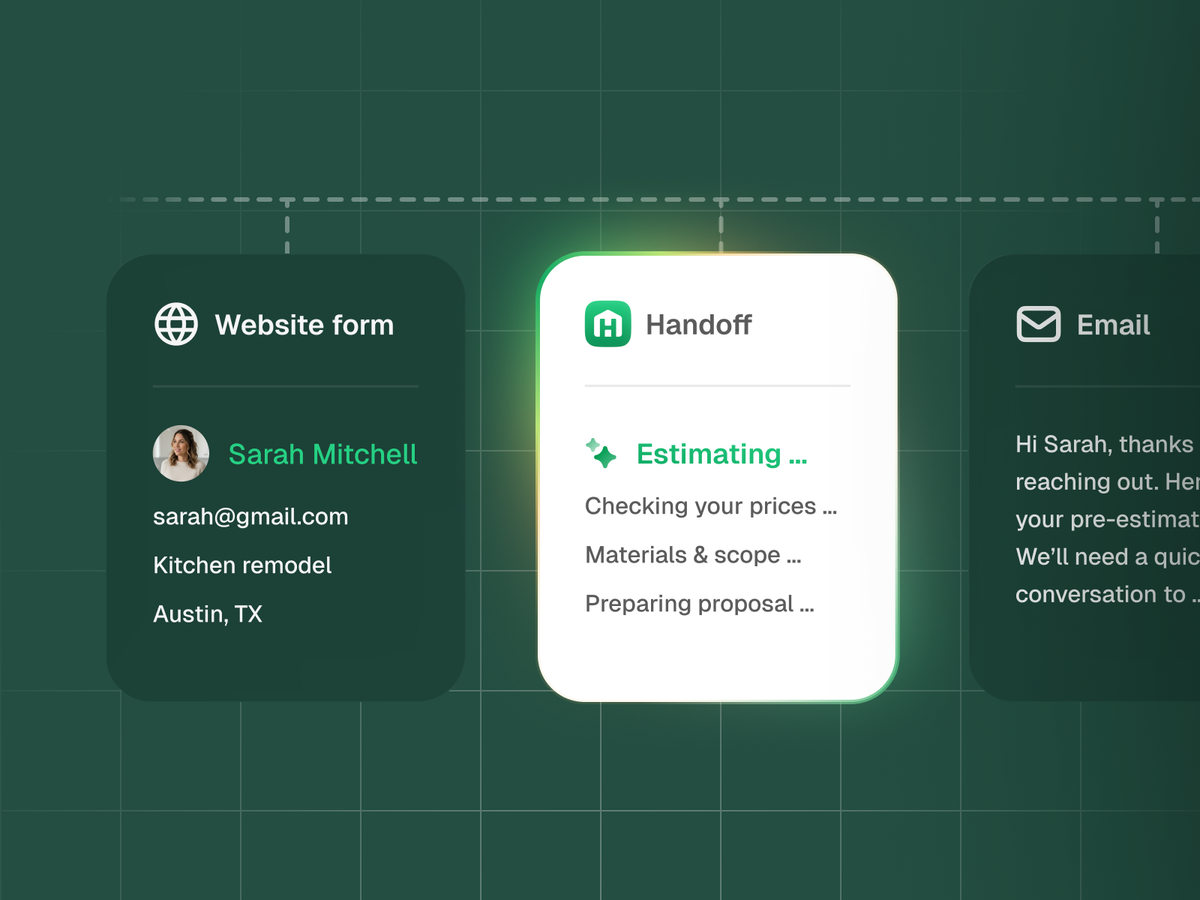
Stop doing the same job twice
You close a job in one place. You open another to update it. You copy a name, paste an address, re-enter a number you already have somewhere else. That work adds up across every lead, every estimate, every invoice.
With Zapier connected, it stops. The information moves when the event happens. You focus on the job.
The point is automation, connection, and time back in your week.
Try it with your Pro plan
Connect the tools you already use to the workflow you already trust. It's the fastest way to stop doing the same job twice.
On Handoff Pro? Generate your API key in Settings → Integrations & API Keys and connect Handoff in Zapier to get started. Not on Pro yet? Check out what else you'll get.